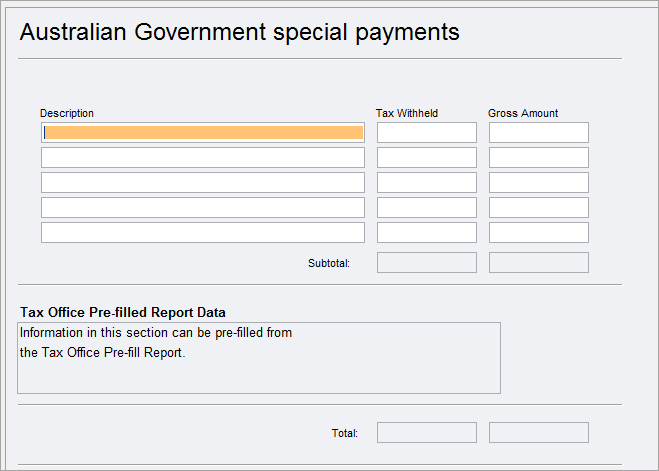
To open the eps worksheet:
-
Click the field - Press enter to open Australian government special payments and press enter at Item 24 - Other income.
-
Select Preparation > Schedule > Australian Government special payments.
-
Go to Preparation > Schedule > Income details schedule > Enter Y at Section F - Australian government benefit special payments (special 24V).
To add more rows, press Ctlr+Insert.