Release date—August 2025
Make sure you've installed MYOB AE/AO release notes—2025.0 (Australia) before installing this hotfix. Otherwise, the installation will not continue.
Release notes
Amended returns: You’ll be able to delete schedules in an amended return, so it is now easier to make changes.
Printing
-
The estimate was incorrectly showing a Lump sum payment in arrears (lump sum E), even if there is no lump sum payment. This is now fixed.
-
The depreciation worksheet was not printing the Original cost, Private use %, and Opening values for assets with private use. This is now fixed.
-
Low-value fields: Missing Add. Opening Pool Balance/ Total/ @37.5%/ Decline in value/Closing Pool balance was not printing. This is now fixed
-
The capital gains worksheet was printing null values.
-
The first 3 pages in the PDF copy of the 2025 FBT return was showing 2024 instead of 2025. This is now fixed.
Estimate
-
Individual return estimate not calculating overseas levy HELP Debt Repayment. This is now fixed
Rates
-
We’ve updated the Study and training repayment threshold to 2026 rates.
-
Foreign exchange rates updated to 30 June 2025 quarter.
Validation error fixes
-
International Dealings Schedule:
-
We’ve updated validation errors as provided by the ATO.
-
Enabled Item 37 as it was incorrectly triggering VR.ATO.IDS.440825, VR.ATO.IDS.440826, and VR.ATO.IDS.440827.
-
-
Company returns
-
Fixed the Reportable Tax Position schedule rollover issue to avoid CMN.ATO.CTR.500005 error.
-
Installation steps
Installation
-
Go to my.MYOB and download the MYOB Tax 2025.0a - Installer file to your server location where you installed MYOB AE/AO.
-
Double-click the executable to start the installation.
-
In the Welcome to the InstallShield Wizard window, click Next.
-
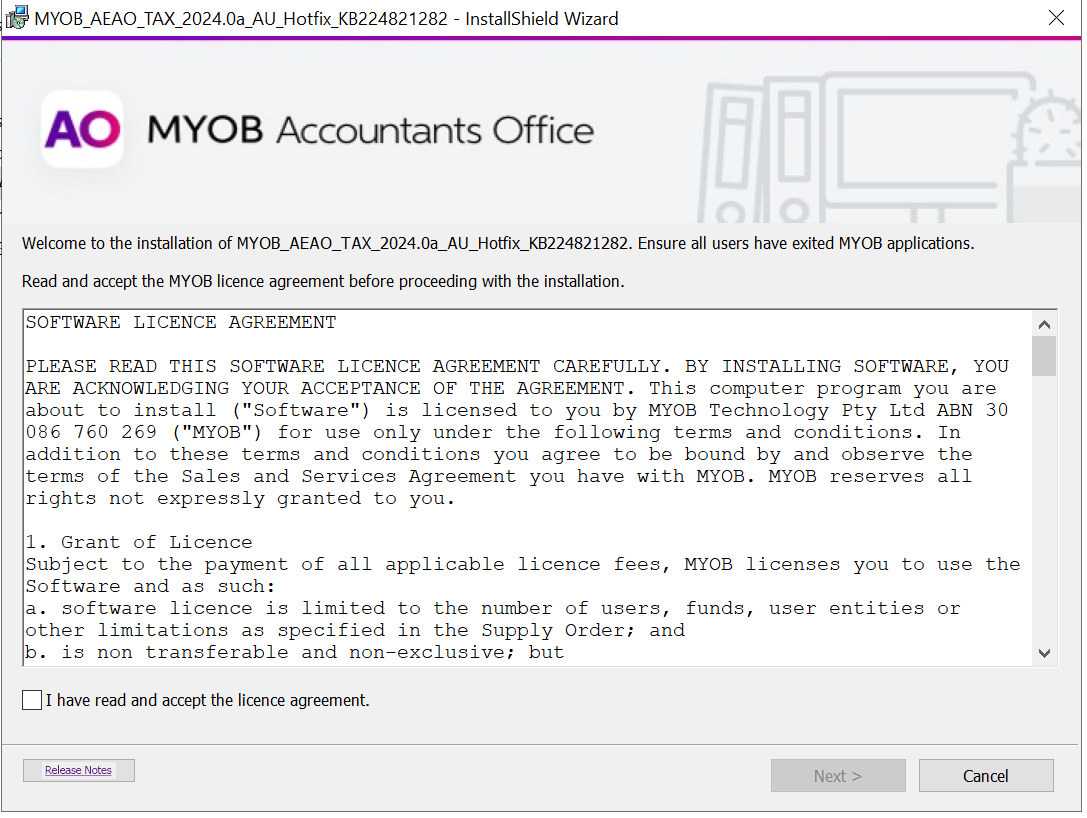
Select I accept the terms in the licence agreement. Click Next.
-
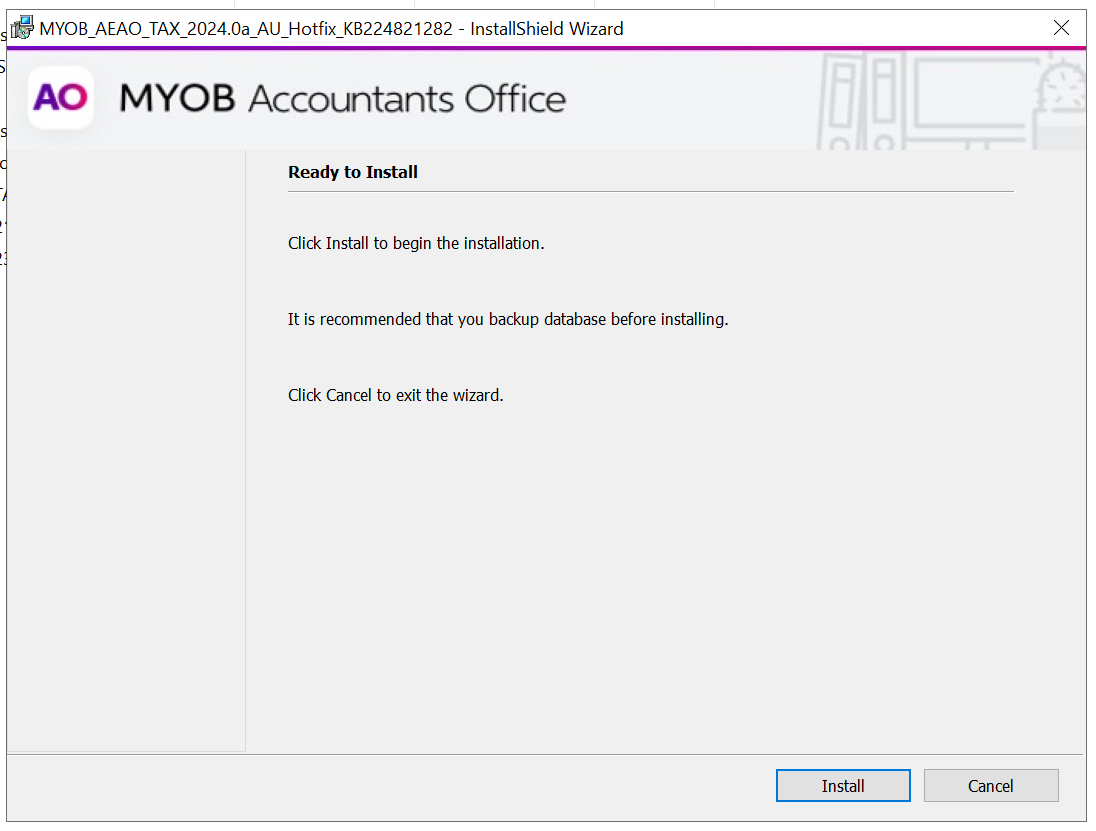
In Ready to install window, click Install to start the installation.
-
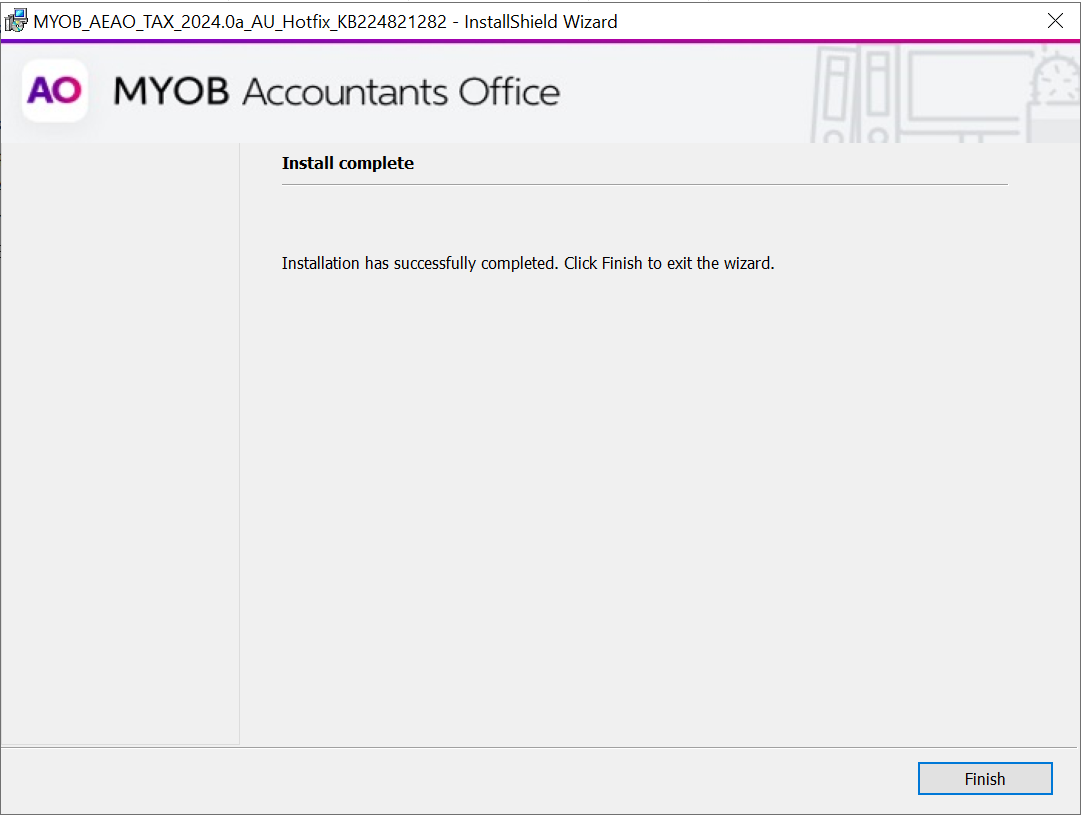
On the Install Completed window, click Finish.
This release does not require a workstation install
Post-installation steps