
Release date—October 2024
Before installing this hotfix, make sure you've installed MYOB AE/AO release notes—2024.0 (Australia). Otherwise, the installation will not continue.
Release notes
Income tax client report(XBRL to XML conversion) - ATO requirement.
Installing the hotfix
Installing the hotfix
-
Go to my.MYOB and download the MYOB Tax Hotfix 253689907 - Installer file to your server location where you installed MYOB AE/AO.
-
Double-click the executable to start the installation.
-
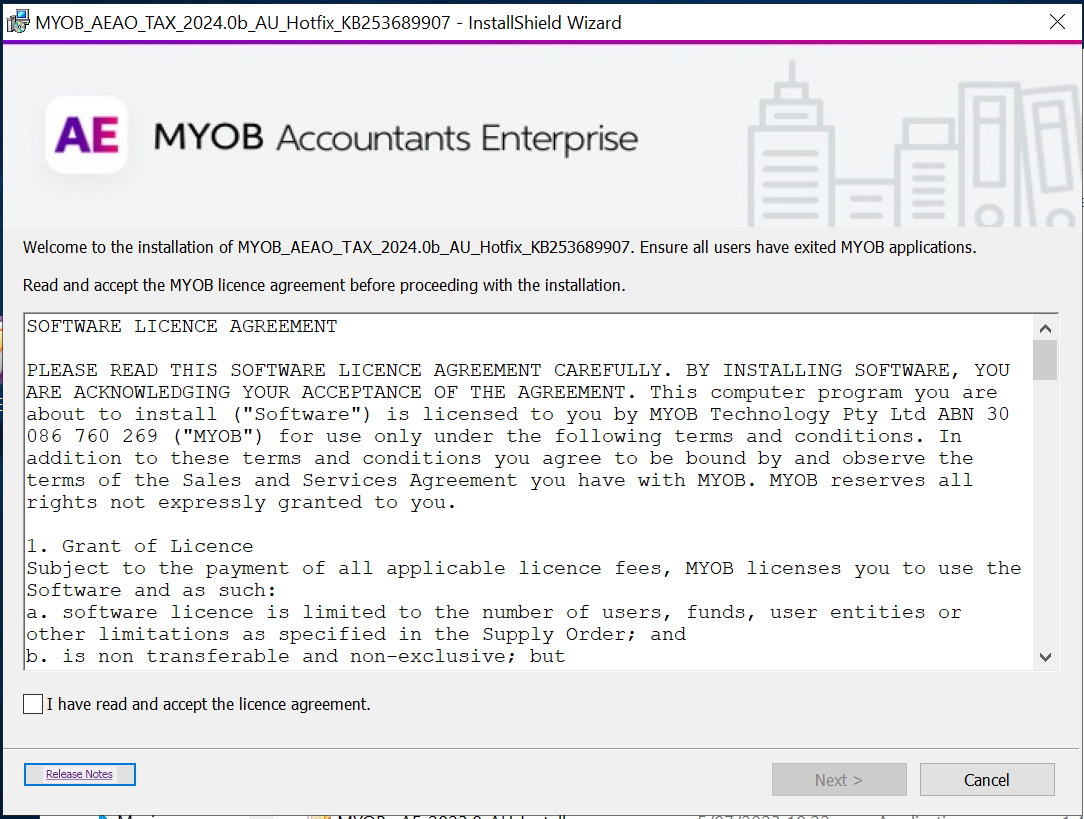
In the Welcome to the InstallShield Wizard window, click Next.
-
Select I accept the terms in the licence agreement. Click Next.
-
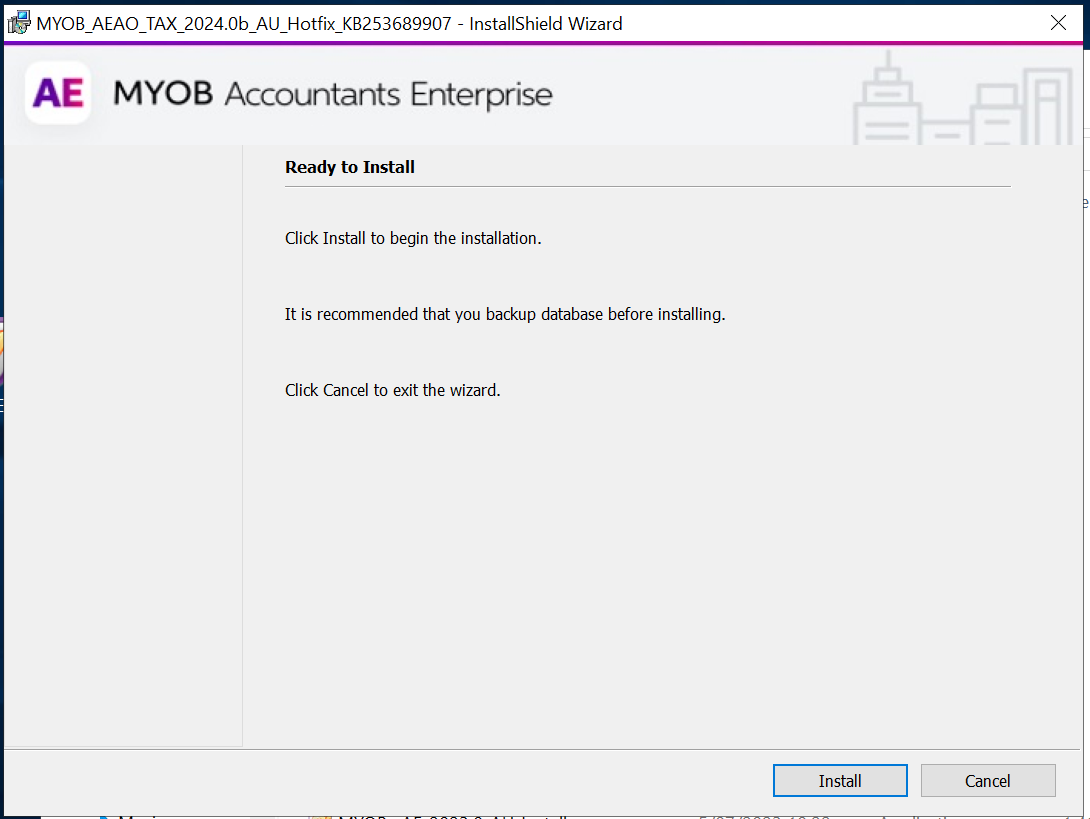
In Ready to install window, click Install to start the installation.
-
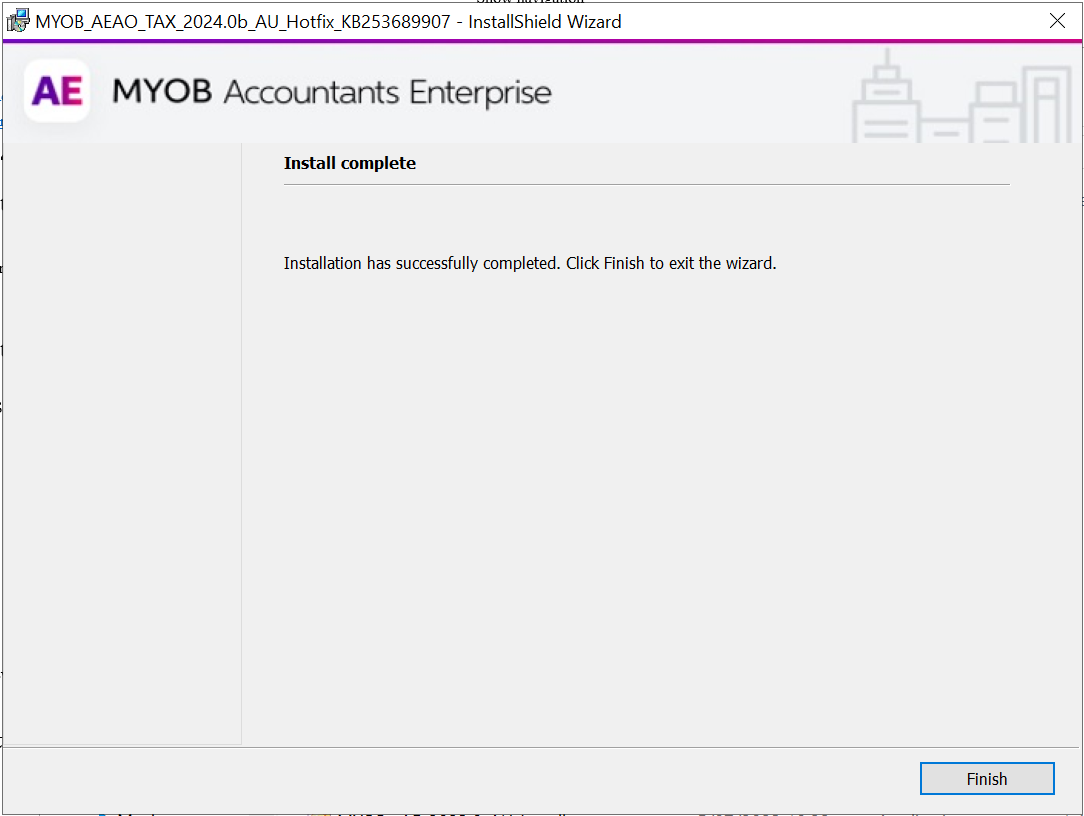
On the Install Completed window, click Finish.
This release does not require a workstation install
Post-installation steps