Release date—January 2026
Make sure you've installed MYOB AE/AO release notes—5.4.56/2025.1 SP1 (Australia) before installing this hotfix. Otherwise, the installation will not continue.
Release notes
We’ve fixed the following issue.
CMN.ATO.IITR.730412 rejection error
This rejection happens on an individual tax return, and if you’ve installed the 5.4.56/2025.1 SP1 release
Fixing rejected returns after installing the hotfix
After you’ve installed the hotfix:
-
If the return is in In-progress status, complete the returns and lodge them. You don’t need to make any changes to the return
-
If the return is rejected, refresh the return and re-lodge it.
If you still see a rejection, contact support.
Installing the hotfix
Prerequisites
-
You must have MYOB AE/AO version 5.4.56 installed, and the Tax version is 2025.1. To check your current version, click Help > About.
-
Ensure you have administrator access to the server where MYOB AE/AO is installed.
-
Ensure all users are logged out of MYOB Tax.
-
A workstation install is not required.
Installation
-
Go to my.MYOB and download the MYOB Tax Hotfix 871497729 - Installer file to your server location where you installed MYOB AE/AO.
-
Double-click the executable to start the installation.
-
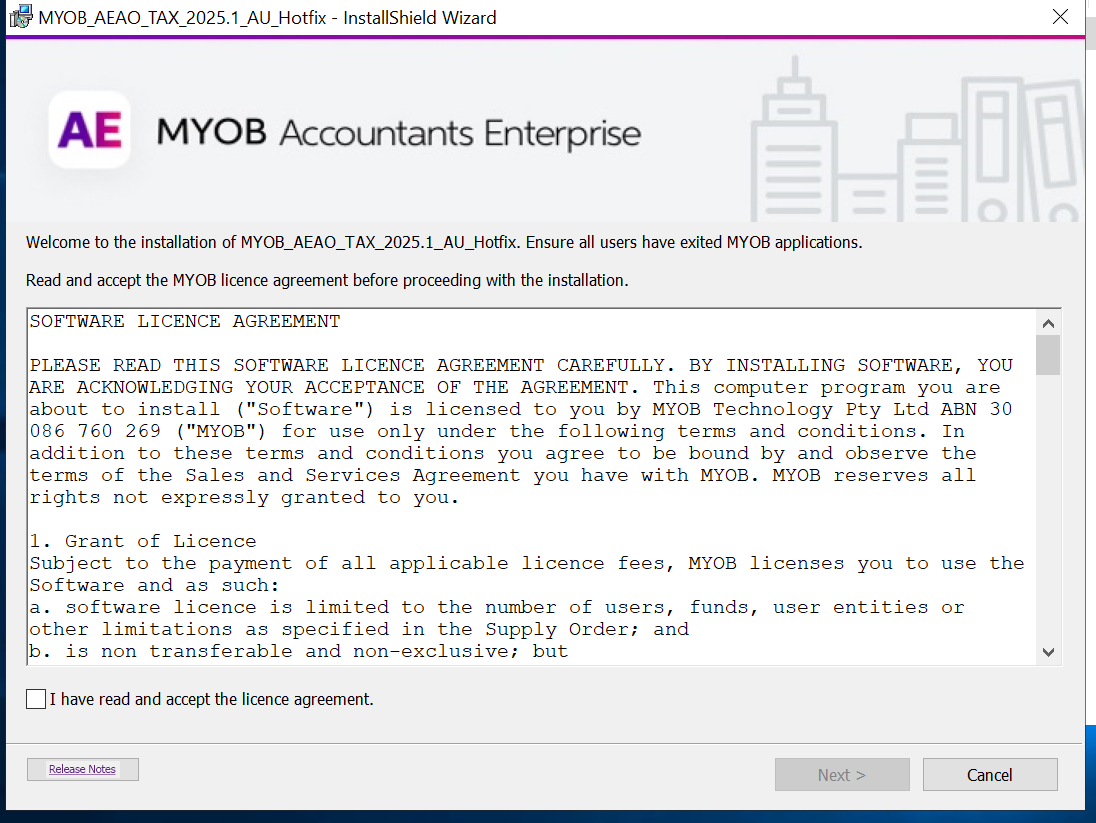
In the Welcome to the InstallShield Wizard window, click Next.
-
Select I accept the terms in the licence agreement. Click Next.
-
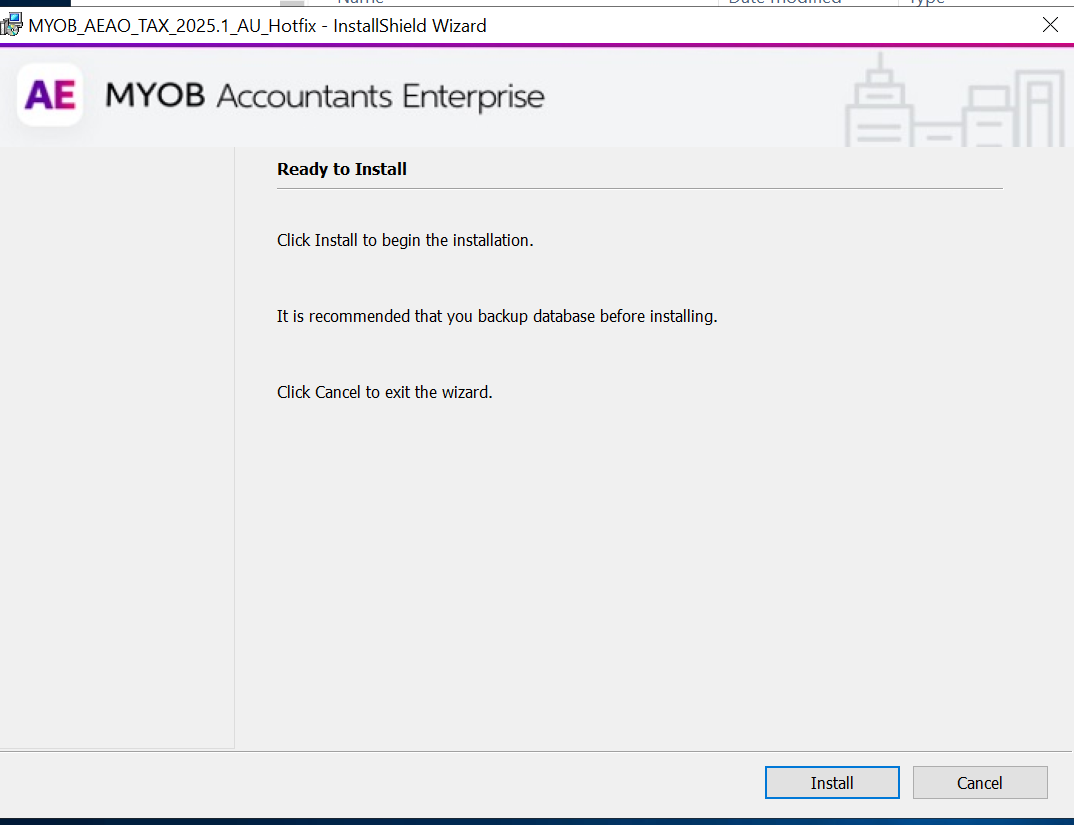
In the Ready to install window, click Install to start the installation.
-
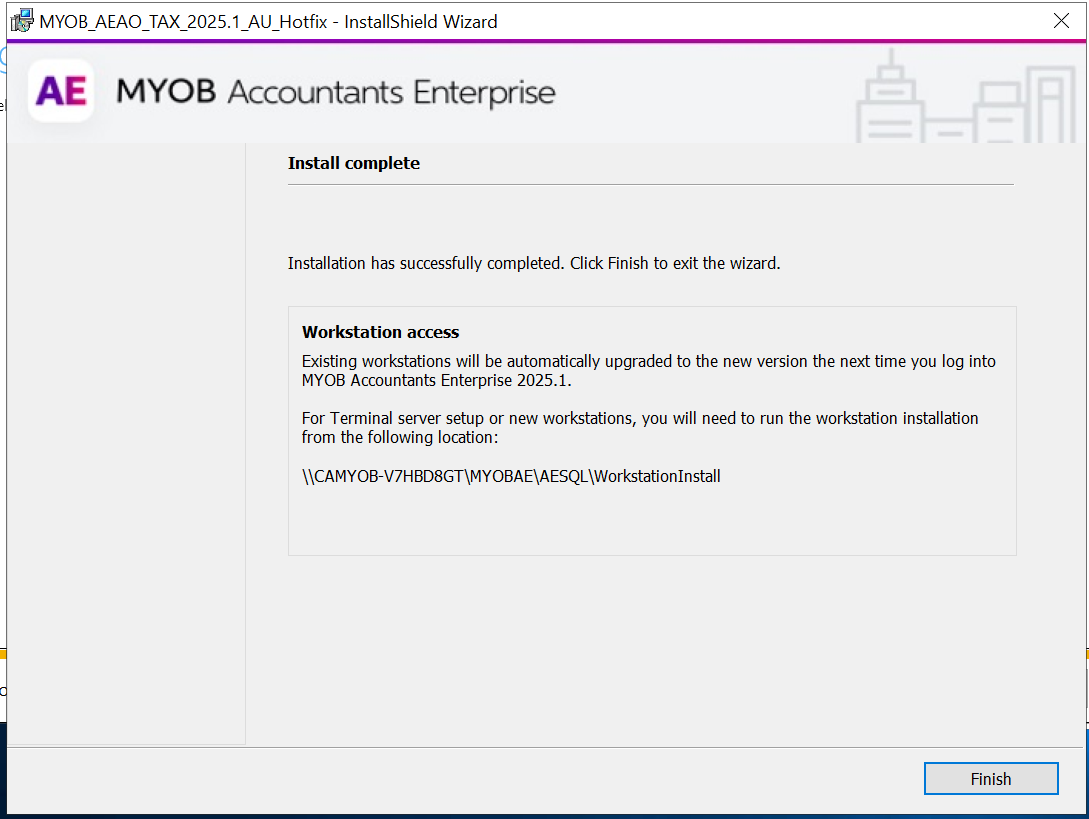
On the Install Completed window, click Finish.
Post-installation steps