Practice Manager only
In MYOB Accountants Office Practice Manager (AO PM), Job Type Templates can be created to record non-chargeable time, such as annual leave, sick leave, or training.
All non-chargeable Job Types should be added to the NONCHG - Non Chargeable client only.
You need to perform 2 steps to create a non-chargeable job type:
Step 2 - Add the new job type
For Non-Chargeable Productive jobs: select Included Time only
For Non-Chargeable Non-Productive jobs: leave all options blank
-
In the toolbar, click Contacts. The Find Clients page opens.
-
In the Search for field, search for the NONCHG client and open their record. The NONCHG client tab opens.
-
Click the Jobs tab. The client's Job tab appears.
-
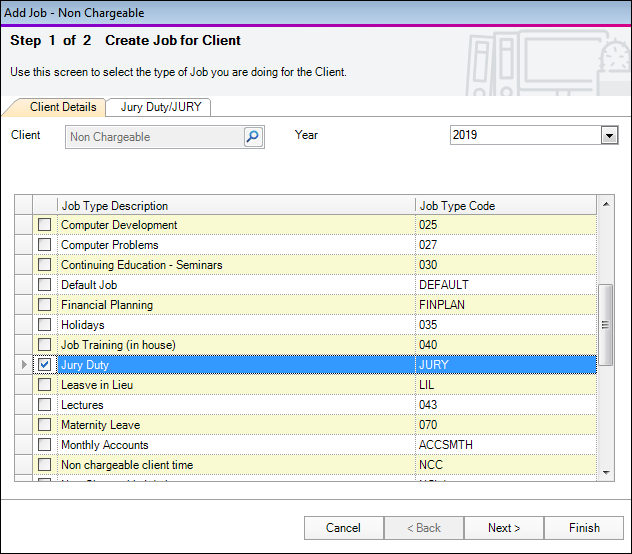
In the first row, click Click here to add new .... The Create Job for Client screen appears.
-
In the Year drop-down, select None.None displays.
-
Select the Job Type. In this example tick Jury Duty and click Finish. The job is now created against the internal client.