This support note applies to:
-
Accountants Enterprise
-
Accountants Office
We’re rolling out a new download experience. This information only applies if we’ve contacted you to let you know these changes are available.
Download your AE/AO software updates from My Account.
-
Go to My Account at myaccount.myob.com/account and make sure the correct account is selected on the top right. You may first be prompted to sign in using your MYOB account email address and password.
-
Go to the Subscriptions menu and choose Downloads.
-
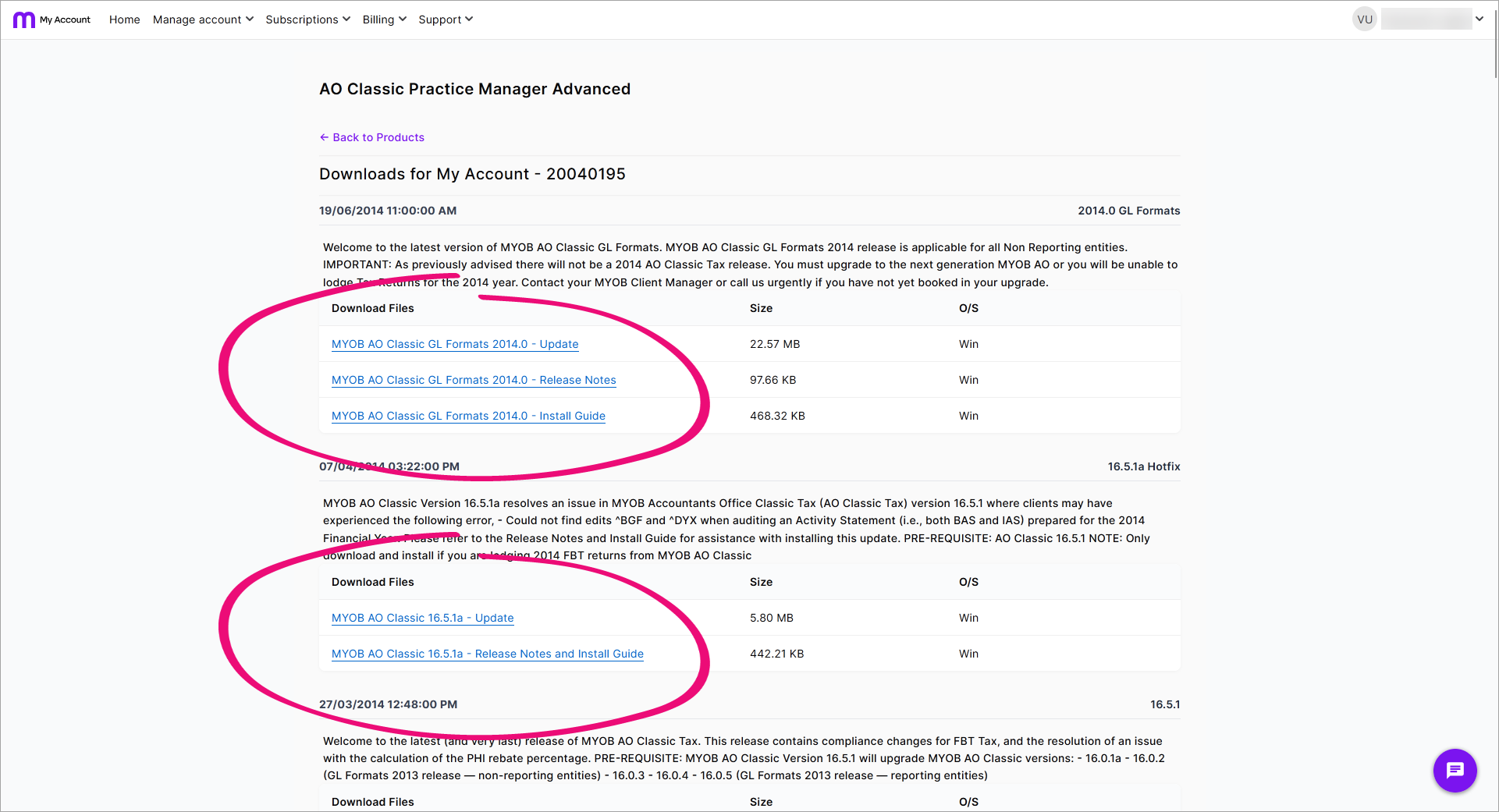
Find the product that you want to update and click View available downloads next to it.

-
Find the correct version that you want to update to, and follow the links to read the release notes and install guide and to download the install file.